Reporting a Deer Through Vermont’s App
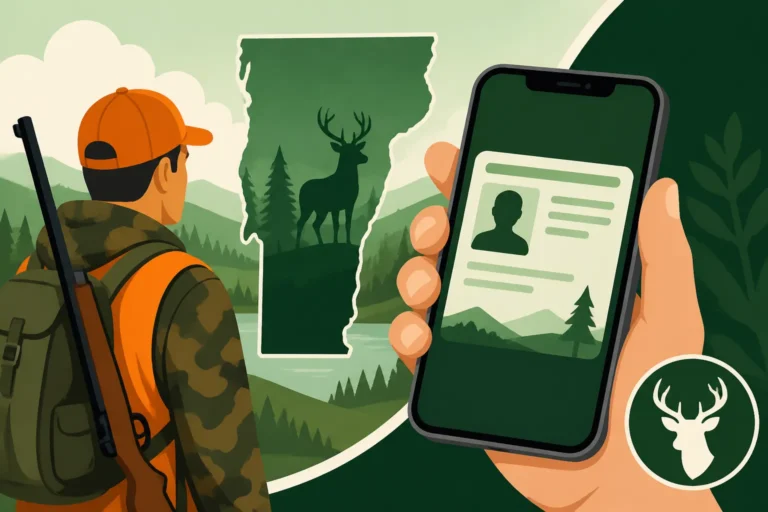
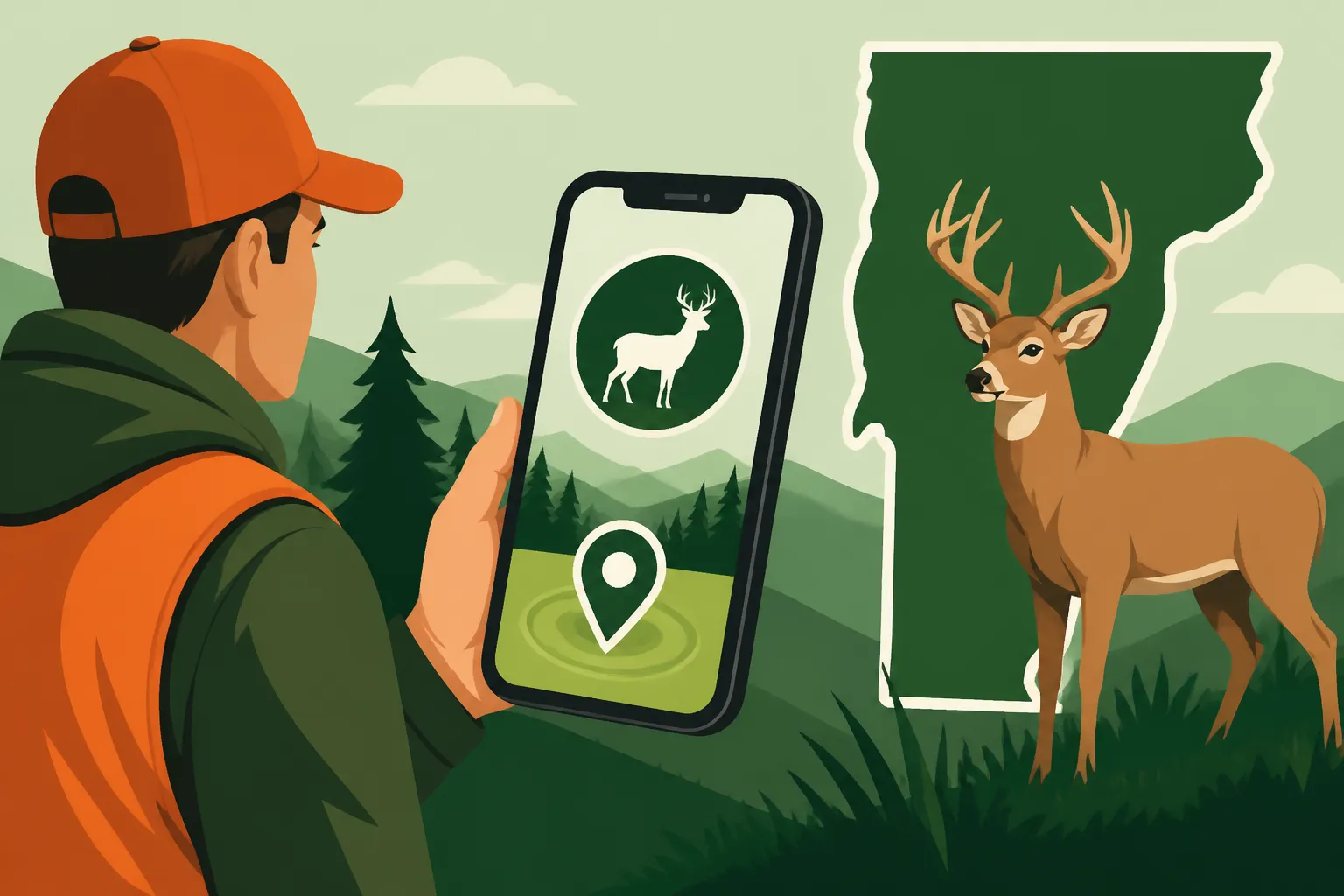
Remember those days of frantically looking for an open deer check station, sometimes driving miles out of your way, only to find it closed or swamped with other hunters? It was a real hassle, especially after a long day in the woods, trying to get your harvest registered before the deadline. Thankfully, the Vermont Fish & Wildlife Department has streamlined this process significantly with their mobile app, making deer reporting much more convenient and less stressful. This guide will walk you through exactly how to report your deer using Vermont's app, ensuring you stay compliant and get back to enjoying your successful hunt.
The Evolution of Deer Reporting in Vermont
Hunting in Vermont has always been deeply rooted in tradition, but even traditions evolve. For decades, the ritual of deer reporting involved physical check stations, a familiar sight for many of us, but one that presented its own set of challenges.
Moving Beyond the Old Ways Physical Check Stations
Before the advent of digital reporting, bringing your deer to a physical check station was the only way to officially register your harvest. These stations were often small, local businesses like general stores, sporting goods shops, or even a local warden's garage, volunteering their time to help the Fish & Wildlife Department gather crucial data. You'd load your deer, often still warm, into the back of your truck or on a trailer, then head out, sometimes through winding back roads, hoping to make it before closing time. This could be a real problem if you tagged a deer late in the evening or were hunting deep in the Green Mountains where services were sparse. Imagine tracking a deer in fresh Green Mountain snow until just before dark, then facing a 45-minute drive just to get it checked. It added a layer of logistical stress that no hunter really needed after a successful harvest. Plus, the data collection, while valuable, was manual, prone to delays, and sometimes limited by the operating hours of these volunteer stations.
Why the Vermont Fish & Wildlife App Became Essential
The move to an app-based reporting system wasn't just about convenience; it was a necessary step to modernize the reporting process and ensure more accurate, real-time data collection for wildlife management. The Vermont Fish & Wildlife Department saw an opportunity to leverage technology to benefit both hunters and the state's wildlife conservation efforts. Now, instead of rushing to a physical location, you can register your deer right from your hunting camp, your truck, or even your living room, as long as you have a cell signal. This instantaneous reporting allows the department to quickly gather statistics on deer harvest numbers, which are vital for understanding the health and trends of the deer population across the state. It also reduces the burden on local businesses and wardens, freeing them up for other important tasks.
Getting Started with the Vermont Fish & Wildlife App
Making the switch to digital reporting is surprisingly straightforward. The Vermont Fish & Wildlife app is designed to be user-friendly, putting everything you need right at your fingertips.
Downloading and Setting Up Your Profile
The first step, of course, is getting the app on your phone. You can find the official "Vermont Fish & Wildlife" app on both the Apple App Store for iOS devices and the Google Play Store for Android. Just search for it, and you should see the official state logo. Once downloaded, open the app, and you'll be prompted to create a profile or log in if you already have an account from previous license purchases.
Setting up your profile involves entering some basic personal information. The most crucial part is linking your hunting license to the app. You'll typically do this by entering your Vermont hunting license number. This step is essential because the app needs to verify that you are a legal hunter and that you have the appropriate tags. For instance, if you're a Vermont resident with a Vermont Resident License Options for deer, the app will recognize your eligibility to report a deer harvest. It’s a good idea to ensure all your Vermont Hunting Licenses and What They Cost are properly linked and visible within the app before you even head into the woods. This way, when the moment comes, you’re not fumbling with setup when you should be celebrating your harvest.
Navigating the App Interface for Reporting
Once you're logged in and your license is linked, the app's interface is quite intuitive. You'll typically see a main menu or dashboard with various options like "Licenses," "Regulations," "Harvest Reporting," and often sections for fishing, boating, and other outdoor activities. To report your deer, you’ll want to navigate directly to the "Harvest Reporting" or "Deer Reporting" section. It's usually clearly labeled.
Within this section, the app is designed to guide you through the process step-by-step. There are often visual cues and clear prompts to ensure you don't miss any critical information. Many hunters appreciate how easy it is to use, especially after trying to make sense of paper forms or calling in to a dispatcher in the past. The app prioritizes simplicity and directness, which is exactly what you need when you're tired but excited about your successful hunt.
Step-by-Step Guide to Reporting Your Deer
Reporting your deer through the app is a crucial legal step, and thankfully, it's designed to be as painless as possible. Having all your information ready before you start will make the process even smoother.
Essential Information You'll Need at Your Fingertips
Before you even open the app to report, make sure you have these key pieces of information readily available. This will prevent you from having to go back and forth between your deer and your phone, or worse, making a mistake under pressure.
- Your Hunting License Number: This is your unique identifier.
- Deer Tag Number: The number from the tag you legally affixed to your deer. Remember, you still need to physically tag your deer immediately upon harvest, even if you’re using the app for reporting.
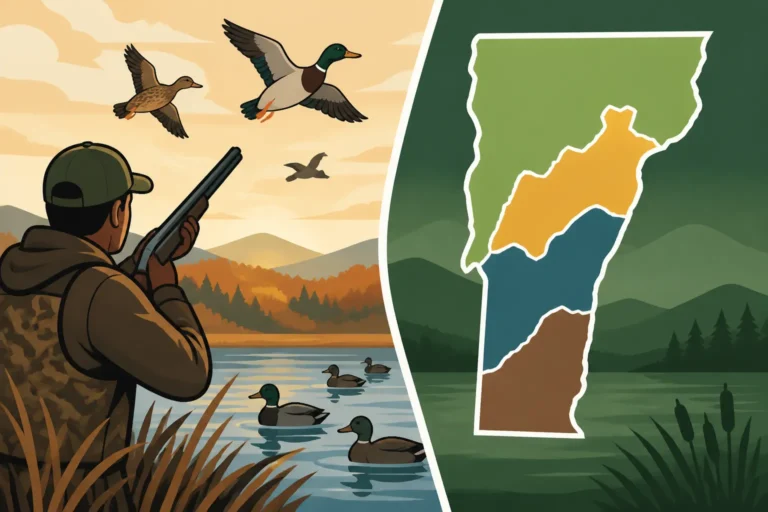
- WMU (Wildlife Management Unit): You need to know which WMU you harvested the deer in. Vermont is divided into specific WMUs, and knowing yours is crucial for data collection. You can often check this using a map or your Scouting Vermont Public Land Before Season efforts should have given you a good idea.
- Date and Time of Harvest: Be as accurate as possible.
- Sex of the Deer: Buck or Doe.
- Antler Points (if a buck): Count the points on one side that are at least one inch long. If it's a spike or button buck, report accordingly.
- Weapon Used: Archery (bow/crossbow), rifle, or muzzleloader. This helps the state track harvest methods. For example, if you were Hunting a Bow During the Rifle Season Overlap, you'd select "archery."
- Land Type: Public or private land. This helps the department understand hunting pressure and success rates on different land types.
Having this information written down or easily recallable will save you a lot of time and potential frustration.
The Digital Reporting Process Explained
With your information handy, open the Vermont Fish & Wildlife app and navigate to the harvest reporting section.
- Select "Report Deer": This will initiate the reporting sequence.
- Verify Hunter Information: The app will likely pre-populate your name and license number. Confirm this is correct.
- Enter Deer Tag Details: Input the specific tag number that you used to tag your deer. This confirms which physical tag corresponds to this digital report.
- Enter Harvest Details: This is where you'll input all the essential information we just covered: WMU, date, time, sex, antler points (if applicable), and weapon used. The app will usually provide drop-down menus or clear input fields to make this easy.
- Confirm Land Type: Select whether the deer was taken on public or private land.
- Review and Submit: Before hitting "submit," carefully review all the entered information. Double-check the WMU, date, and antler points. Once you’re confident everything is accurate, hit the submit button.
- Receive Confirmation: The app will usually provide an immediate confirmation message, sometimes with a confirmation number. It's a good idea to screenshot this for your records, just in case. This digital confirmation is your proof of legal reporting.
Remember, the physical tag must remain attached to your deer until it's processed and stored. The app simply fulfills the reporting requirement.
Troubleshooting Common Issues
Even with the best technology, sometimes things go sideways. Here are a few common issues and how to handle them:
- No Cell Service: This is a frequent concern, especially for those Hunting the Green Mountains High Country or deep in the Northeast Kingdom. If you have no service, you won't be able to submit the report immediately. The key is to wait until you are back in an area with signal. The law requires you to report your deer within 48 hours of harvest. So, if you're in the backcountry, plan to get to a service area within that window. Many hunters use mapping apps like GoHunt that allow you to download maps for offline use, helping you track your location and WMU even without service, which can be invaluable when you are Reading Aerial Photos for Green Mountain Deer.
- App Crash or Glitch: If the app freezes or crashes, simply close it completely and restart. Most times, any data you entered will be saved, or you can start the process over quickly.
- Incorrect Information Submitted: If you realize you made a mistake after submitting (e.g., wrong WMU or antler count), you should contact the Vermont Fish & Wildlife Department as soon as possible. They can guide you on how to correct the record. Don't just ignore it; accuracy is important for their data.
- Forgot License or Tag Number: Always carry your physical license and tags with you while hunting. While the app often stores your license information, having the physical documents as backup is always wise. If you're struggling to recall your tag number, you'll need to reference the actual tag on the deer.
Beyond Reporting: Other App Features for Hunters
While deer reporting is a primary function, the Vermont Fish & Wildlife app offers a suite of other useful features that make it a valuable tool for any Vermont hunter. It's more than just a reporting mechanism; it's a mobile hunting companion.
License and Permit Management
The app serves as a digital wallet for your hunting and fishing licenses and permits. Gone are the days of shuffling through paper copies or worrying about losing them in the woods. You can easily view all your current licenses, including your base hunting license, archery permits, muzzleloader permits, and any special tags you might have purchased, like a Vermont's Dual Antlerless Permit Rule. This makes it incredibly convenient for wardens to verify your credentials in the field, and for you to quickly check your own license validity.
Beyond just viewing, the app also often allows you to purchase new permits directly. For example, if you decide you want to participate in the October Vermont October Muzzleloader Antlerless Window after rifle season closes, or secure a bonus antlerless tag for a specific WMU, you can usually do so right through the app. This instant purchasing capability is incredibly handy, saving you a trip to a license vendor.
Scouting Tools and Regulations
Many state wildlife apps, including Vermont’s, integrate mapping features that can be incredibly useful for scouting and navigating public lands. While specialized scouting apps like GoHunt offer more advanced layers and features, the VFWD app often provides basic maps with public land boundaries, WMU lines, and sometimes even specific access points. This can be a huge help when you're trying to figure out if you're on a certain WMU or ensuring you're not inadvertently trespassing on private land.
Furthermore, the app typically provides easy access to the most up-to-date hunting regulations. No more digging through a flimsy paper booklet in your pack! You can quickly look up Vermont Archery Season Dates, Vermont Rifle Season Dates, Vermont Muzzleloader Season Dates, bag limits, legal equipment, and even specific rules related to Vermont CWD Prevention Rules. This instant access to the rulebook helps ensure you're always hunting legally and responsibly. Having this information readily available can be invaluable, whether you're planning for Hunting the Rut in Early-to-Mid November or just trying to confirm daily shooting hours.
By consolidating these functions into one easy-to-use platform, the Vermont Fish & Wildlife app truly enhances the hunting experience, making it more efficient and informed for everyone.
Vermont Deer Reporting Requirements at a Glance
To summarize, here’s a quick overview of what you need to remember when reporting your deer through the Vermont Fish & Wildlife app.
| Requirement | Details |
|---|---|
| Method | Official Vermont Fish & Wildlife Mobile App (available on iOS and Android). |
| Deadline | Within 48 hours of harvest. Plan accordingly if hunting in areas with no cell service. |
| Information Needed | Hunter's License Number, Deer Tag Number, WMU, Date & Time of Harvest, Sex of Deer, Antler Points (if applicable), Weapon Used, Land Type (Public/Private). |
| Physical Tag | A physical tag must still be immediately affixed to the deer upon harvest and remain attached until processed. The app is for reporting only. |
| Confirmation | Receive a digital confirmation within the app. Screenshot for your records. |
| Troubleshooting | If no cell service, report when signal is available (within 48 hrs). For errors, contact VFWD. Carry physical license and tags as backup. |
| Other App Benefits | Manage licenses, purchase permits, access regulations, basic scouting maps. Some hunters use GoHunt for more detailed mapping and scouting, but the VFWD app is essential for compliance. |
Disclaimer
Please note that hunting regulations, license requirements, and app functionalities can change. Always consult the most current Vermont Fish & Wildlife Department official regulations or their website for the most up-to-date and accurate information before heading into the field. This guide is for informational purposes only and does not supersede official state regulations.